
How to Reset Your Password 🔐
Forgot your password? Don't worry, it happens to everyone. Here's how to reset it and get back to your Narravero tools in no time.
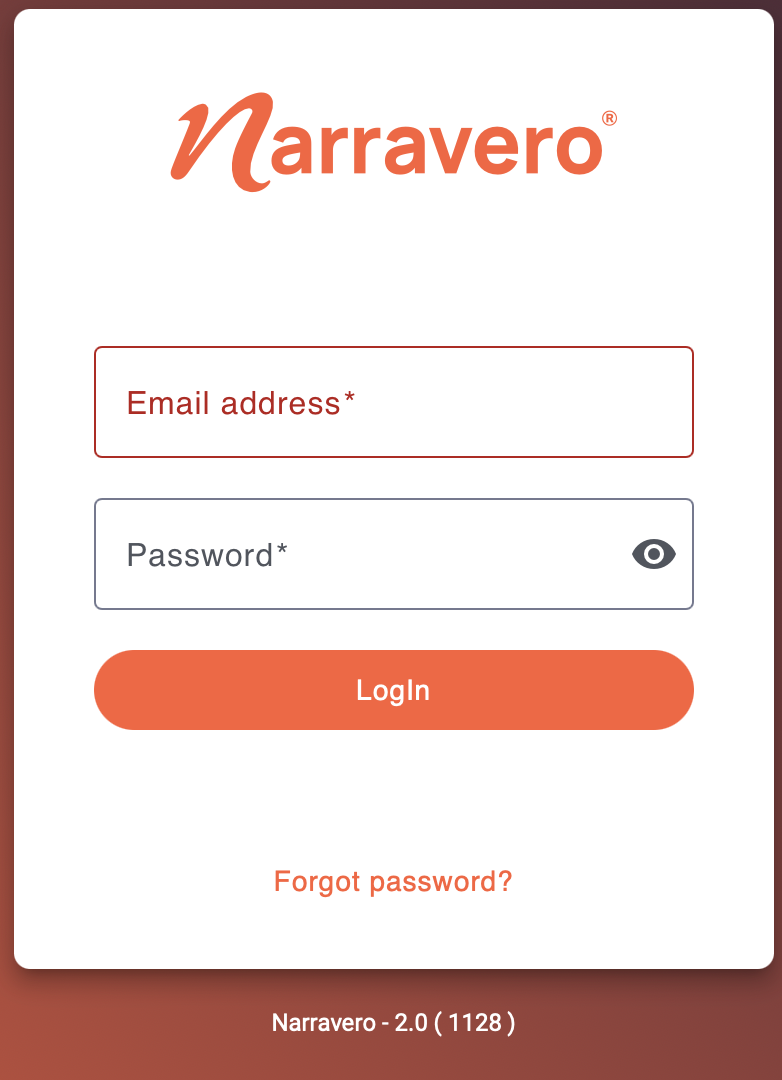
Step-by-Step: Resetting Your Password
- Open the login screen
Head to the login page of your Narravero app or platform. - Click “Forgot password?”
You’ll find this link just below the login form. - Enter your email address
Make sure it's the same one you used to register your account. - Check your inbox
You’ll receive an email from us with a reset link. Be sure to check your spam folder if you don’t see it in your inbox. - Click the reset link
It’ll take you to a secure page where you can create your new password. - Enter a new password
Choose something strong and memorable, then confirm it. - Done!
You can now log in with your new password and get back to work. 🚀