
In this article, you learn how to invite a team member to the Narravero Content Studio and assign a user role.
Invite a team member
- Log in to the Narravero Platform.
- Open "Manage Users "from the main menu.
- Click "Add New".
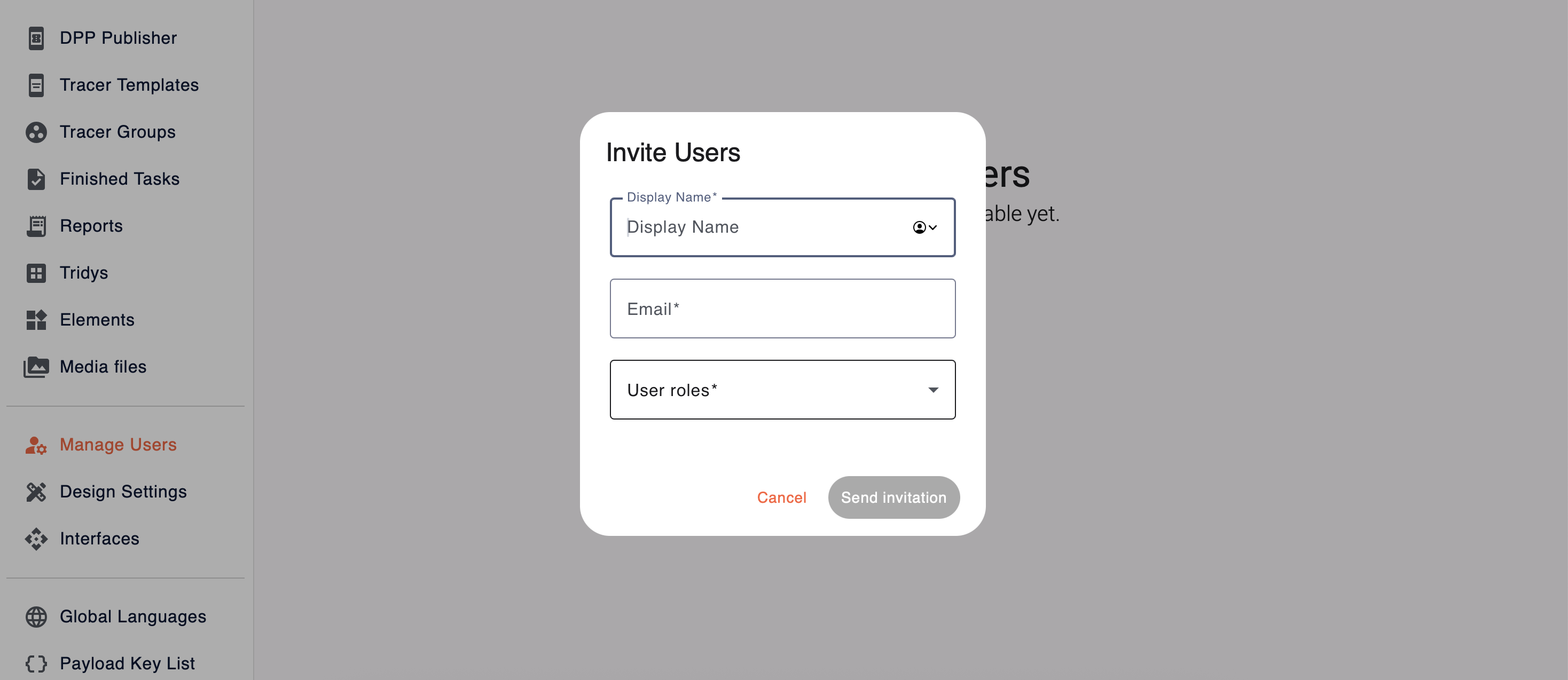
- Enter the "Display Name" – e.g. the name of the team member.
- Enter the team member's email address.
- Select the appropriate user role from the dropdown.
- Click "Send Invitation".
What happens next?
- The invited user will receive an email from Narravero.
- They follow the link to set their password and sign up.
- Done! They can now access the Narravero Platform ✅.
💡 Tip: Keep your user list up to date to avoid accidental access or permission mismatches.
🔗 Related articles