
- Open Design Settings.
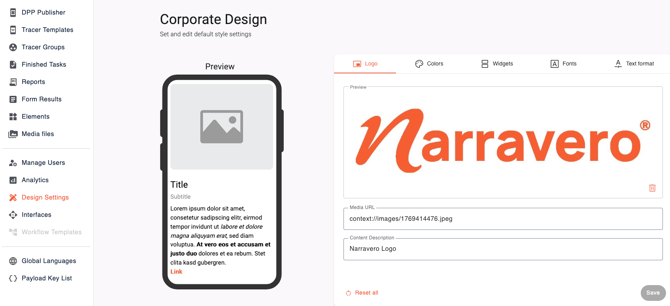
- Select the area you want to configure: Logo, Colors, Widgets, Fonts or Text format.
- Update the available settings.
- Review the Preview.
- Select Save.
ℹ️
-
The Logo area accepts
.jpg,.jpegand.pngfiles up to 10 MB. The Elements area iincludes Corner Radius and Spacing settings. The Colors area includes Light Mode, Dark Mode and named color roles. - Please note: Changes will only apply to new templates currently.